Upload 1 photo
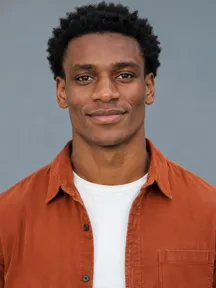
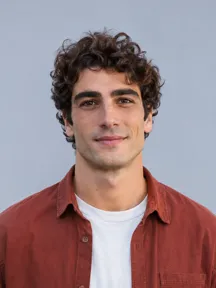
Use one clear, well-lit full-body photo of an adult, facing the camera. Keep the face, hands and knees visible, with no hand or object covering the face.
Make the Scuba Dance your own: cover your nose, catch the beat and bounce through a sunlit hallway. Upload one photo to step into these niche dance moves, from the opening hand gesture to the final side step.
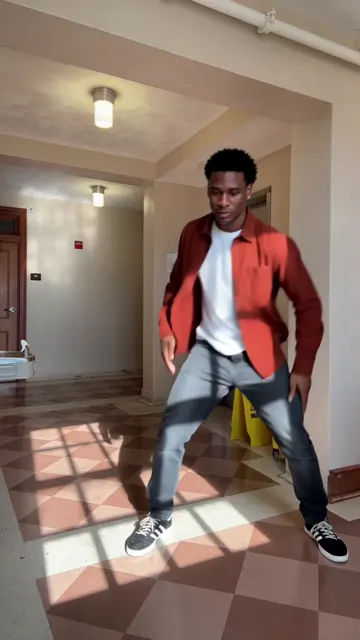
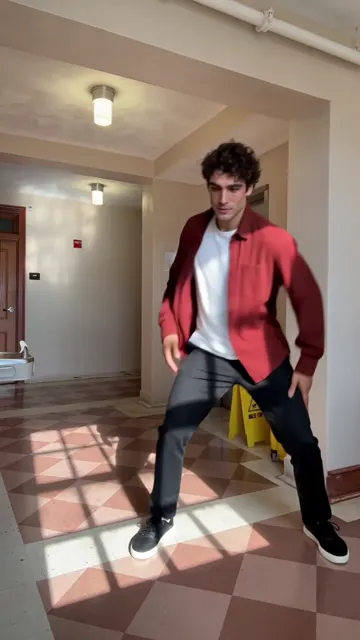
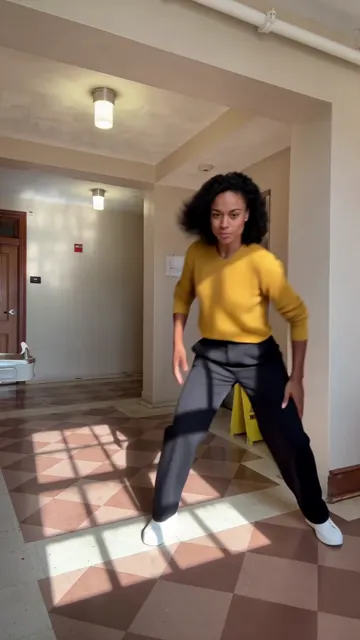
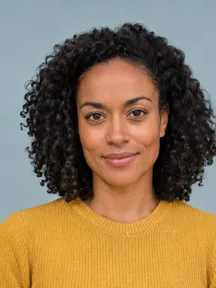
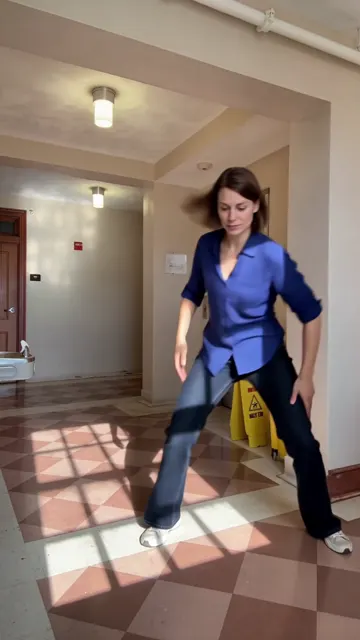

A preview of the source clip, not a generated result.
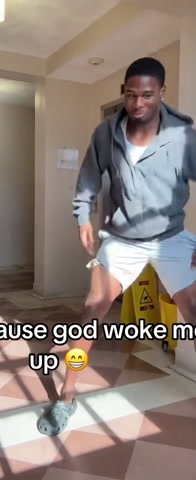 Character 1 · Lead subject0:08
Frames captured from this reference video. These are not upload photos or a generated result.
How it works
Use one clear, well-lit full-body photo of an adult, facing the camera. Keep the face, hands and knees visible, with no hand or object covering the face.
Pick 720p or 1080p, review the credit cost, and start creating.
Confirm permission, create your video and download it from My videos when it is ready.
Specs
A preview of the source clip, not a generated result.
Character 1 · Lead subject0:08Frames captured from this reference video. These are not upload photos or a generated result.
The template
Also called Scruba Dance · niche dance moves · niche dance move
Original reel by @mr.scubaa1 · 2025-10-05 · 4.9M views
Scuba Dance AI brings your photos into the scene shown in the reference. Make the Scuba Dance your own: cover your nose, catch the beat and bounce through a sunlit hallway. Upload one photo to step into these niche dance moves, from the opening hand gesture to the final side step.
Upload 1 photo, in this role order: Lead subject. Your photos guide the cast; the reference guides the scene and timing.
This niche dance move mixes a nose-covering pose with loose arm swings, springy knees and quick side steps. The 15-second reference supplies the choreography, hallway setting and camera framing; your photo supplies the performer’s appearance. No dance practice or written prompt needed. Preview the original clip, choose a clear photo and make your version.
Show the body and limbs clearly so the dance can follow the reference.
AI results can vary in appearance, movement and sound.
Credits & quality
Buy this template once at your chosen quality, or use subscription credits. Review the cost before creating; video length follows the template.
A lower-credit option for everyday sharing.
Per video generation · About 15 seconds · timing may vary.Sharper detail for posting and sharing.
Per video generation · About 15 seconds · timing may vary.Credits are returned when a task is confirmed failed or canceled. If a submission is still being confirmed, it stays in My videos so it is not submitted twice.
View credit plansFAQ
This template needs 1 photo. Upload them in this order: Lead subject. Keep one subject per photo.
Use one clear, well-lit full-body photo of an adult, facing the camera. Keep the face, hands and knees visible, with no hand or object covering the face. Show the body and limbs clearly so the dance can follow the reference.
The prepared reference is about 15 seconds long. Generation follows this scene; exact timing may vary. You do not need to select a duration.
The signature is the playful nose-covering gesture followed by relaxed arm swings, knee bounces and side steps. This template follows the specific 15-second TikTok routine shown here, rather than a generic swimming dance. Upload one adult’s photo to recast the lead. AI results can vary, especially when a hand briefly covers the face.
One video costs $9.99 at 720p or $12.99 at 1080p. With a subscription, this template uses 600 credits at 720p or 900 at 1080p. The selected cost is shown before you submit.
Processing time varies with the AI provider and its queue, so we do not guarantee a fixed completion time. You can leave the page and check the same task in My videos. If its status is unconfirmed, check that task or contact support before submitting another paid request.
Credits are returned when a task is confirmed failed or canceled. If a submission is still being confirmed, it stays in My videos so it is not submitted twice.
Photos are sent to the selected AI provider to process your request. You can remove completed videos and their media references, export account records and request account deletion in Privacy & data. Provider cleanup is a separate tracked process, so removal from the app does not promise immediate deletion of third-party copies.
Bring your photos. Choose your quality. Make the scene yours.
Make my video